

Is your mobile hotspot really safe? Here’s what users should know
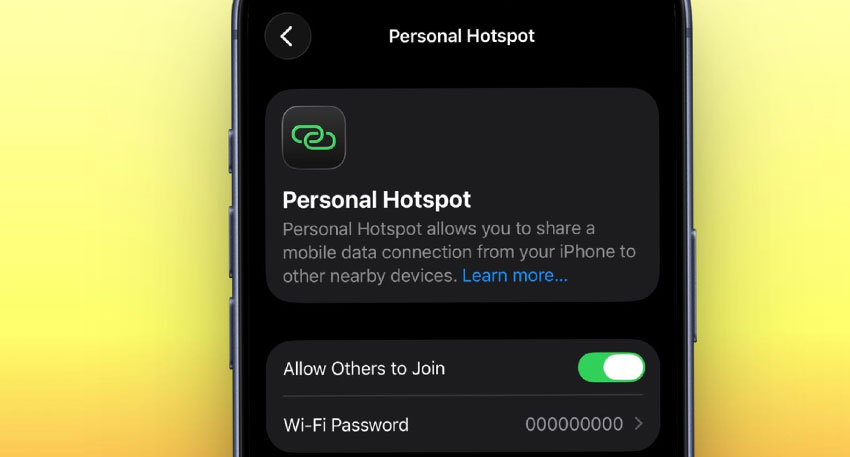
A smartphone can turn into a mobile hotspot, allowing laptops, tablets and other devices to access the internet through 4G or 5G mobile data.
Mobile hotspots are generally considered safer than unknown public Wi-Fi because users control the network password and can decide which devices connect. Cybersecurity guidance also recommends using a personal mobile connection instead of untrusted public Wi-Fi when possible.
The hidden risk behind mobile hotspots
However, a hotspot is not automatically secure. A weak password or a hotspot without password protection can allow nearby people to connect without the owner’s permission.
Modern phones provide security settings for protecting hotspot connections. Android, for example, allows users to set a hotspot password and choose security options, while iPhone also provides password protection for Personal Hotspot.
Security experts recommend using a strong and unique password, connecting only trusted devices and switching the hotspot off when it is no longer needed. WPA2 or WPA3 encryption should also be used where supported.
Users should also remain careful when accessing sensitive accounts. Secure websites using HTTPS provide encryption, while a VPN can add another layer of protection, particularly on public networks.
Ultimately, a mobile hotspot is a useful and relatively secure alternative to unknown public Wi-Fi, but its safety depends heavily on how it is configured and used.


