

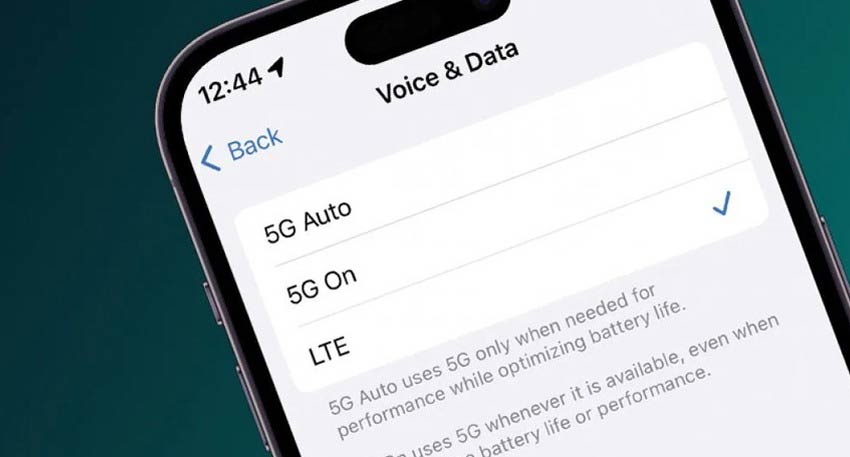
5G technology expands and more users are looking to take advantage of faster internet speeds on their smartphones. However, many still face confusion about how to activate 5G services and resolve connectivity issues. Here’s a simple guide to help users get started.
To enable 5G on an Android smartphone, users should first open the Settings menu and navigate to the “Mobile Networks” option. If the device has multiple SIM cards, select the SIM for which 5G service is required. Then, go to the “Preferred Network Type” and choose the 5G option. Once selected, the device should connect to a 5G network, provided coverage is available.
For iPhone users, similar steps apply through the Cellular Data settings, where users can enable 5G mode if the device supports it.
Read Also: 5G licenses issued to major telecom operators in Pakistan
It is important to note that not all smartphones are 5G-compatible. If the 5G option does not appear in settings, the device likely does not support the feature. Additionally, users must be in an area with 5G network coverage to access the service.
If connectivity issues persist even after enabling 5G, users are advised to double-check their settings, restart their devices, or reset network settings. Contacting the mobile service provider can also help resolve ongoing issues.
With proper setup and coverage, users can fully experience the benefits of next-generation mobile connectivity.


