

Laptop overheating on soft surfaces can damage hardware, experts warn
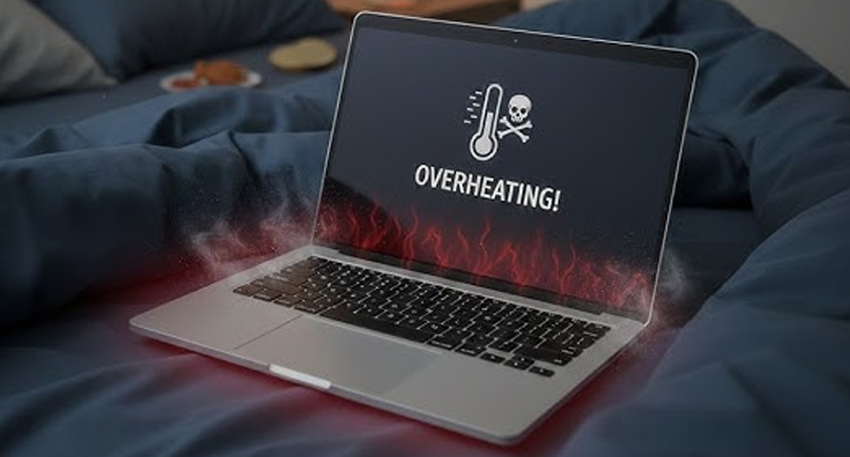
Although they are called “laptops,” modern devices are not designed for use directly on soft materials. Soft surfaces block ventilation areas, preventing proper airflow. This forces internal cooling fans to work harder, which increases heat inside the system and can gradually damage key components like the processor and battery.
Blocked Airflow Causes Overheating
When air vents are covered, hot air cannot escape properly. As a result, the system temperature rises, and users may notice loud fan noise as the laptop struggles to cool itself. Continuous overheating can reduce performance and shorten the overall lifespan of the device.
Battery and Hardware at Risk
Prolonged exposure to high temperatures can weaken the battery and affect internal circuits. Over time, this may lead to slower performance, sudden shutdowns, or permanent hardware failure.
Also Read: WhatsApp Plus coming soon, Meta tests paid features for users
Cooling Solutions and Safe Usage
Tech specialists recommend using a cooling pad or stand to maintain proper airflow. These devices help regulate temperature by improving ventilation and are often powered via USB.
If a cooling pad is not available, users should place the laptop on a hard, flat surface such as a table or even a thick book to ensure air circulation is not blocked.
Other Causes of Overheating
Dust buildup inside vents and running heavy applications simultaneously can also increase temperature. Experts advise regular cleaning using compressed air and closing unnecessary background programs.
To extend laptop life and maintain performance, users should avoid soft surfaces, manage system load, and ensure proper ventilation. If a device becomes too hot, it should be shut down and allowed to cool before reuse.


